


























What Is SaaS?
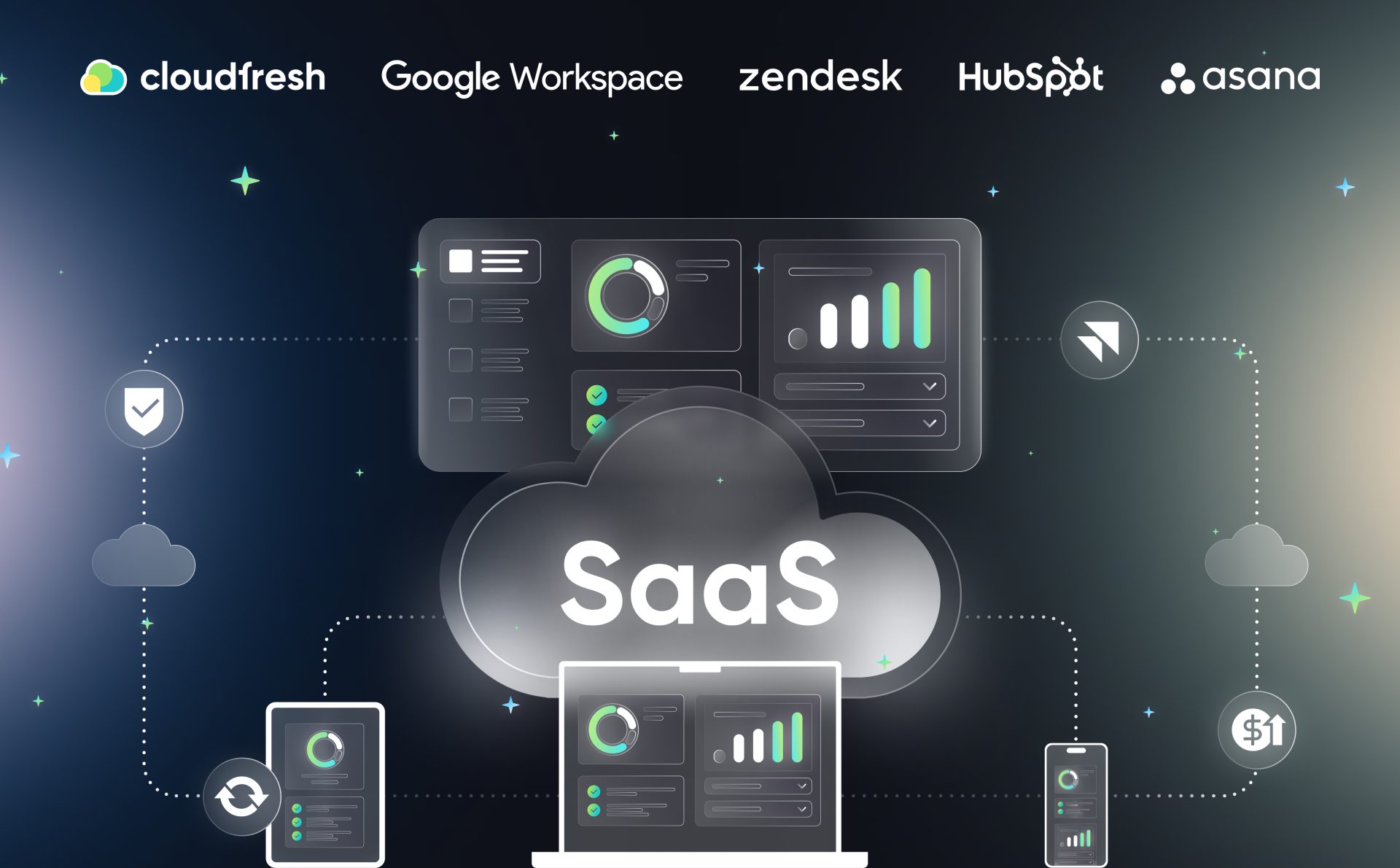
Software as a Service, or SaaS, is a way of delivering software over the internet instead of installing it on individual computers or servers. You open a browser, log in, and the application just works: no downloads, no local infrastructure, no IT team crawling under desks to install updates.
That difference is why so many businesses now buy and run software this way. According to NIST’s official definition of cloud computing, SaaS means the provider runs the application on cloud infrastructure, and the customer accesses it through a browser or thin client without managing servers, storage, or the underlying operating system.
In plain terms: someone else keeps the lights on. You just use the tool.
How Does SaaS Work?
A SaaS provider hosts the application, the database, and all the infrastructure behind it. Every customer connects to the same core software, usually through a web browser, and pays a recurring subscription instead of a one-time license fee.
Behind the scenes, most SaaS platforms run on a multi-tenant architecture: one codebase serving many customers, with each customer’s data kept logically separate. That’s what lets a provider push a new feature to millions of users overnight, instead of shipping a new installer that IT departments have to roll out one machine at a time.
For the business using the software, that translates into three practical differences from traditional, on-premises software:
- No installation or maintenance. The provider handles patches, uptime, and scaling.
- Predictable, usage-based cost. You pay per user or per month instead of a large upfront license.
- Access from anywhere. Any device with a browser and an internet connection works.
This is also why SaaS has become the default way most companies buy software. Gartner forecasts worldwide public cloud spending reached $723.4 billion in 2025, up 21.5% year over year, and SaaS remains the single largest slice of that spend.
SaaS vs. PaaS vs. IaaS: A Quick Distinction
SaaS is one of three cloud service models. Platform as a Service (PaaS) and Infrastructure as a Service (IaaS) make up the other two. The short version: IaaS gives you raw computing resources like virtual servers and storage, PaaS gives developers a platform to build and deploy custom applications, and SaaS hands you a finished application that’s ready to use. No building required.
Google Workspace, Zendesk, HubSpot, and Asana all sit in the SaaS layer. You log in and work, and the provider manages everything underneath. For a closer look at PaaS and IaaS, check out our dedicated article comparing IaaS, PaaS, and SaaS. For this one, the key thing to remember is that SaaS is the layer built for end users, not developers or infrastructure teams.
Real-World Examples of SaaS
The easiest way to understand SaaS is to look at what your team is probably already using.
Google Workspace bundles Gmail, Drive, Docs, Sheets, and Meet into one subscription: no servers, no mailboxes to configure, no on-premises Exchange server to patch on a Friday night. Everything runs in Google’s cloud, and new features (like Gemini-powered writing assistance) appear automatically for every user.

Zendesk is a customer support platform delivered the same way. Support tickets, live chat, and a knowledge base all live in Zendesk’s cloud. A company can onboard a support team in a day, without buying servers to run a helpdesk system in-house.
HubSpot applies the same model to marketing and sales. Contact records, email campaigns, and pipeline tracking all run in the browser, updated continuously by the provider rather than through periodic software upgrades.
Asana turns project management into a shared, always-current workspace instead of spreadsheets emailed back and forth. Every team member sees the same task list update in real time, from any device.
All four are textbook SaaS: a provider manages the infrastructure, and the customer simply logs in and works.
What Are the Benefits of SaaS?
The appeal of SaaS comes down to a few concrete advantages over traditional, self-hosted software:
- Lower upfront cost. No hardware to buy, no license fees paid in full before you can use the software.
- Faster deployment. New employees get access in minutes through an admin console, not a multi-day IT setup.
- Automatic updates. Security patches and new features roll out without downtime or manual installs.
- Scalability. Adding 50 or 500 new users is a licensing change, not a hardware purchase.
- Built-in accessibility. Employees can work from any location, on any device, as long as they have internet access.
For growing companies, this adds up to spending less time managing software and more time actually using it.
What Are the Challenges of SaaS?
SaaS isn’t free of trade-offs. Because the provider controls the infrastructure, customers give up some control over things like data residency, customization depth, and integration with legacy, on-premises systems.
Subscription costs can also creep. It’s common for companies to accumulate SaaS licenses across departments faster than anyone tracks them. That pattern often gets called Shadow IT, where tools get adopted outside official IT approval. Left unmanaged, it can mean paying for unused seats or losing visibility into where company data actually lives.
That’s less a flaw in the SaaS model itself and more a reason to pair SaaS adoption with basic governance: knowing which tools your teams use, who has access, and how licenses map to actual usage.
How to Choose the Right SaaS Tools for Your Business
Before adding a new SaaS subscription, it helps to check a few things: does it integrate with the tools you already run, does it meet your industry’s compliance requirements (GDPR, HIPAA, SOC 2), and does the pricing model scale sensibly as your headcount grows.
For companies standardizing on a broader ecosystem (Google Workspace for productivity, Zendesk for support, HubSpot for marketing, Asana for project work), the bigger win usually comes from how well these SaaS tools work together, not just what each one does individually.