



























Top 10 Breakthroughs from Google I/O ’26: Agentic Era’s Gaining Traction
15.07.2026 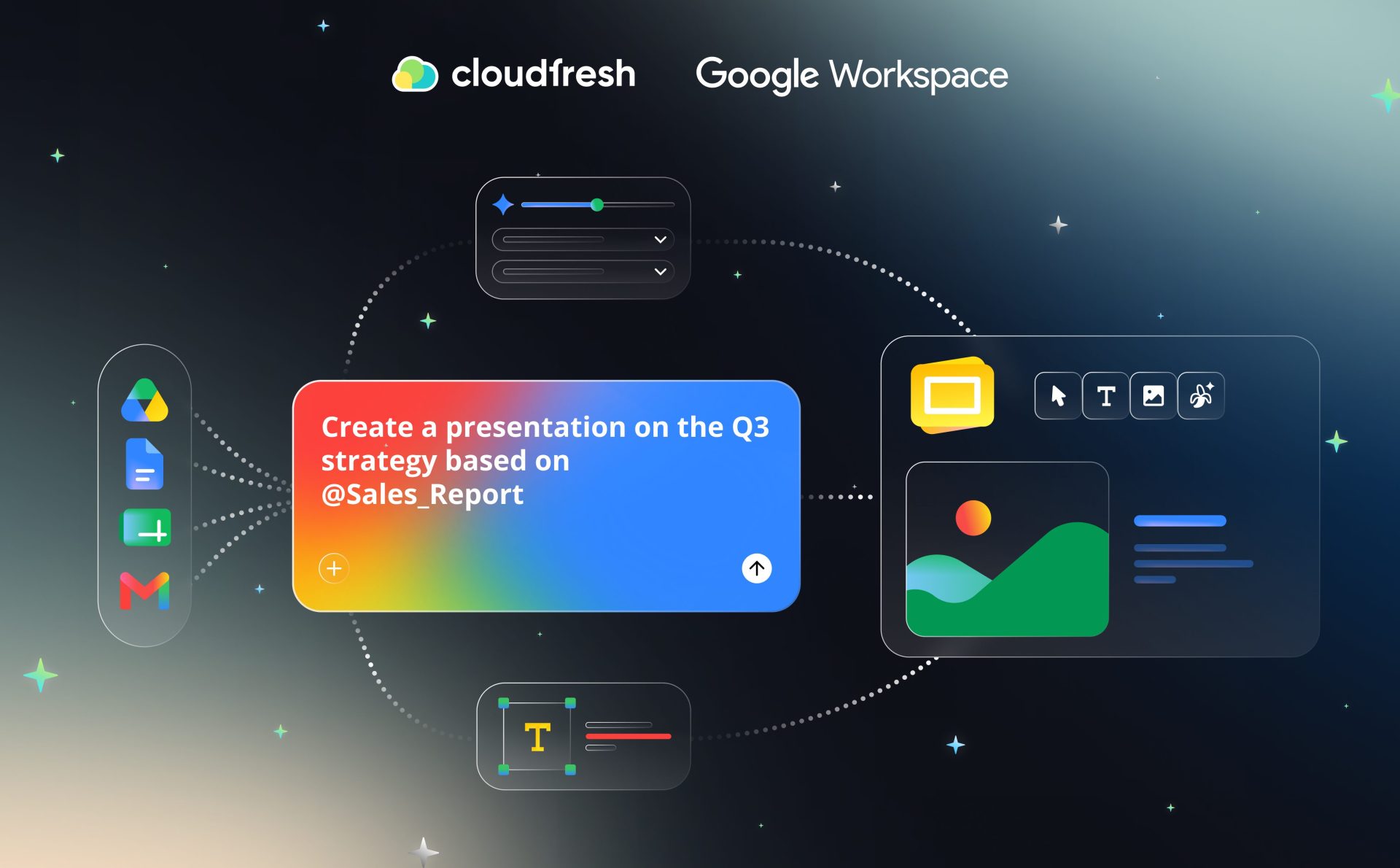
Google Workspace Lets Users Create Fully Native, Editable Presentations with Gemini in Google Slides
Google Workspace can now build an entire, multi-slide presentation from a single prompt, right inside Google Slides. The update, announced by the Google Workspace team on June 30, 2026, turns Gemini from a slide-by-slide helper into a tool that drafts the whole deck at once, and every slide stays fully editable afterward.
What’s new
- One prompt, one full deck: Type a prompt in the Slides side panel and Gemini generates a complete, native presentation you can edit slide by slide, not a static export.
- Grounded in your own content: Attach files directly from Drive so the presentation pulls from material your team already has.
- Stay on-brand: Attach an existing deck as a style reference, and Gemini matches its look and feel.
- Refine before it builds: Gemini asks follow-up questions on tone, audience, and content, and you can edit or approve the outline before it generates the actual slides.
- Gemini also suggests relevant files, emails, and chats along the way, in case there’s more context worth folding in.
At launch, the feature works in English only. It’s rolling out now to Business Standard and Plus, Enterprise Standard and Plus, Google AI Pro and Ultra, and Google AI Pro for Education, with extended rollout starting June 29, 2026. Workspace customers get promotional access to higher usage limits through at least August 1, 2026, before standard per-user limits apply.
“Most teams don't need another way to make slides look nice, they need the first draft to already reflect their content and their brand. Letting Gemini pull from Drive files and match an existing deck's style is what actually saves people time, not just the generation itself. We're already looking at how this fits into the content workflows our clients run through Workspace.” 

Marketing Lead & Google Workspace Advocate at Cloudfresh
How Cloudfresh helps
Cloudfresh is a global, Premier-tier Google Cloud Partner with a Work Transformation specialization. We help teams turn new features into part of their everyday workflow, from rollout planning to team training on Google Workspace tools like Slides, Docs, and Vids.