

























Google Maps API: How to Get Started
- Business Benefits
- Google Maps Platform Core Parts

- Pay-As-You-Go: A Simple Way to Keep Costs in Check
- How to Get Started & Why You Should Work with a Partner
- The Destination
- FAQ
Google Maps 10.03.2026 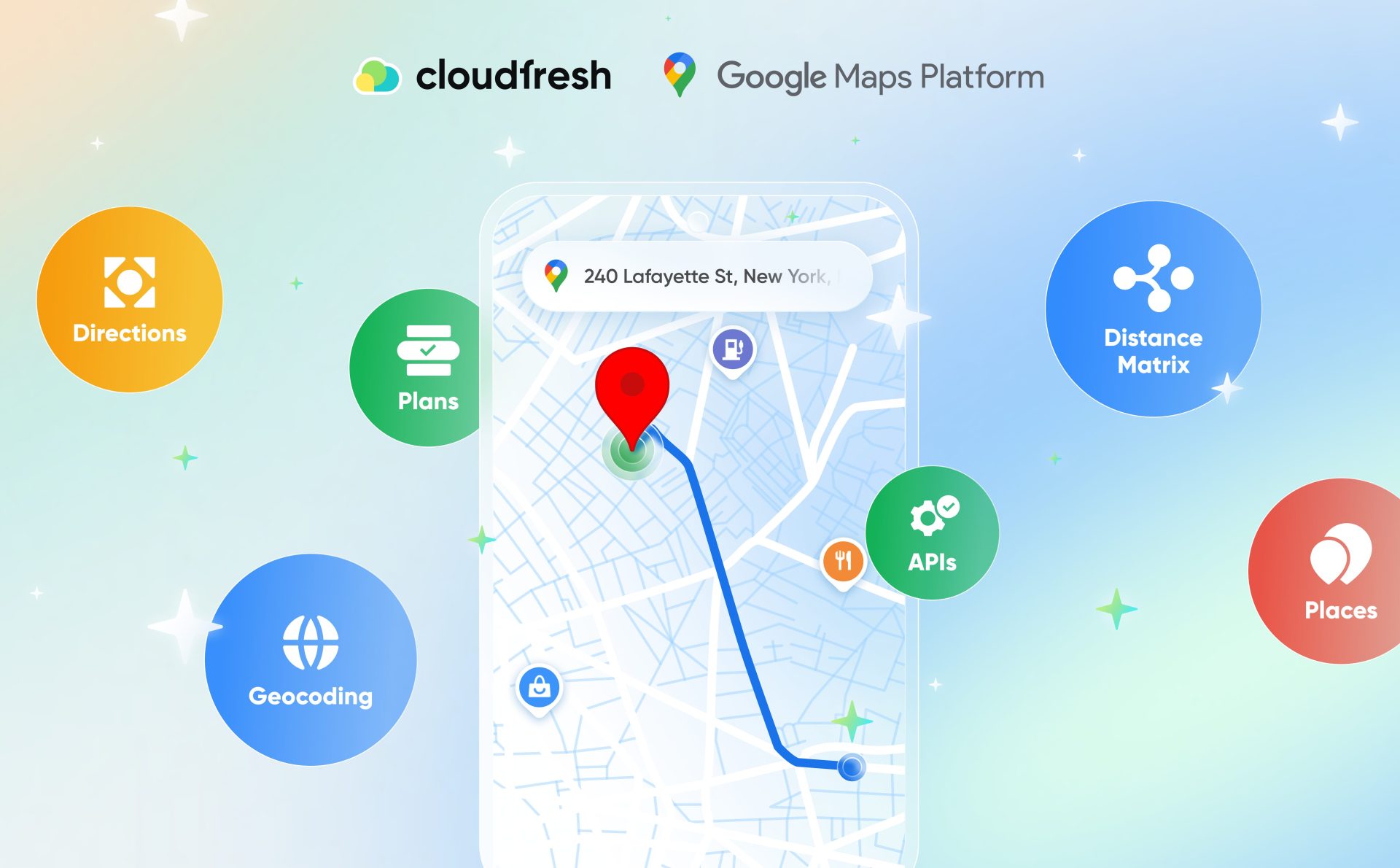

What Is Google Maps Platform?
- Business Benefits
- Google Maps Platform Core Parts
- Pay-As-You-Go: A Simple Way to Keep Costs in Check
- How to Get Started & Why You Should Work with a Partner
- The Destination
- FAQ
Google Maps Platform’s capabilities go far beyond the common navigation application. For businesses using Google Maps Platform, it becomes a sophisticated tool. It includes Application Programming Interfaces and Software Development Kits, allowing you to feature your services on the internet, integrate them into websites and mobile devices, retrieve data from Google Maps, and create location-based features.
All these actions have a direct positive effect on revenue, conversion rates, and operational efficiency. How does it work? The app connects routes and places to real-world business goals, such as optimizing delivery, validating addresses, and ultimately improving customer experience.
As a result, if businesses know how to leverage the GMP’s functionality to its full extent, they can generate income from mere geographic data. And if you want to join them, this article is for you.
Business Benefits
People are used to Google Maps as a fast way to find a coffee shop or get around traffic both online and off. For businesses, however, this app offers many additional features to cut expenses, accumulate leads, and improve retention and loyalty. Here are the main benefits that Google Maps Platform brings to its clients based on how Google Maps data works:
- Global Coverage. This platform operates in practically every country, unlike many other location services.
- User Familiarity. Your clients are already used to the interface, even with custom markers and icons, which makes things easier and helps them make decisions faster.
- Data Accuracy. Up-to-date images, real-time traffic, and reliable company information make the site more trustworthy and useful.
- Strong Infrastructure and Performance. The platform is built on existing strong infrastructure, which means it can handle apps of any size, from small initiatives to huge business solutions.
- Customization. You can make geographic data organized in a way that fits your app’s unique branding and user experience perfectly.
- Strong Security Standards. There are strict rules for security and compliance to keep your data safe and develop trust with your users.
Furthermore, Google Maps Platform works well with other brand cloud services in the larger cloud ecosystem. So when comparing infrastructure providers, this is a good advantage for CTOs who look at different platforms. For instance, we’ve prepared a brief comparison of big cloud services to see where mapping fits best.
| Data Accuracy & Coverage | Ease of Integration | Typical Use Cases | |
| Amazon Location Service | Good coverage, but unknown to users | Requires more configuration and customization | Asset tracking, internal logistics, IoT-based solutions |
| Azure Maps | Strong enterprise focus | Well integrated with the Microsoft ecosystem | Smart cities, enterprise apps, government solutions |
| GM Platform | Industry-leading accuracy, real-time traffic | Fast to implement with rich APIs and SDKs | B2B and B2C: consumer apps, retail, logistics, real estate, mobility platforms, and more |
Google Maps Platform Core Parts
Many useful features of this platform stand out among competitors, including:
- Maps. Businesses can add interactive maps that can be changed to improve the user experience.
- Geocoding. With the geocoding API, you can easily turn written addresses into geographic coordinates and the other way around.
- Directions. They allow for advanced route planning and navigation that shows you where to turn.
- Distance Matrix. You can find the best way to get from one place to another by figuring out the distance and time it takes to get there.
- Places. This feature educates users about businesses, landmarks, and things to do.
- Street View. This shows off immersive, panoramic street-level images to give more context.
Moreover, these features address timeless business questions:
- Where is it?
- How do I get there?
- What is there?
These pillars work together to provide a flexible collection of APIs and SDKs that can handle everything from a simple store locator to a complicated logistics system. Let’s take a closer look.
Showing Your Business to the World
The JavaScript API allows developers to embed Google Maps and display them on websites and apps. Plus, these plans will fit your branding and business goals. Among others, the features for businesses include:
- Static maps. Single-image maps that load quicker and cost less. They are an excellent choice for “Contact Us” pages or basic location plans.
- Dynamic maps. Interactive maps that let you zoom in, pan, and add pins and layers. Dynamic maps are particularly useful for systems that facilitate real estate transactions, store navigation, and travel booking.
- Street view image and satellite. Immersive graphics that enable users to visualize and analyze their destination before they even arrive.
Companies often add special markers and icons to the plans to show where their stores, warehouses, or service locations are. Moreover, with an Aerial View API, you can also show photorealistic, drone-simulated footage of your physical locations in a 3D space.
Routes: Getting from A to B Quickly
Routes are all about moving. This section of Google Maps for Business enables navigation, tracks deliveries, and optimizes logistics with Google Maps estimated arrival time calculation through:
- Directions API. It gives you step-by-step directions for driving, walking, biking, or taking public transportation.
- Distance Matrix API. This is a must-have for logistics and delivery services since it instantly finds the fastest routes between numerous origins and destinations.
Real-time data is crucial for accurate routing. That’s why logistics companies heavily rely on projected arrival times to improve communication with customers and operational planning.
Places: Knowing What’s Out There
The Places API has information about more than 200 million places throughout the world, such as addresses, phone numbers, business hours, and reviews. The main feature the app offers here is “Autocomplete for Addresses.” One of the best things about address autocomplete is that it helps you convert significantly more visitors.
Here’s how it works. A person types in some initial letters of the address, and the system automatically offers the options to fill in the rest of the address. The effect on business is tremendous:
- Fewer mistakes when typing.
- Faster form submission and checkout.
- Fewer deliveries that don’t go through because of wrong addresses.
To sum up, address autocomplete links location data with direct business value, proving that the platform is a useful tool for achieving business goals. Let’s now see how much the implementation costs.
Pay-As-You-Go: A Simple Way to Keep Costs in Check
In addition to its other benefits, the Google Maps Platform has a clear pay-as-you-go pricing plan. You don’t have to contract up front; you can just pay for the volume you need. There’s also generous, free monthly caps for each of its APIs, which should be just enough for SMB websites.
Furthermore, the platform offers built-in cost optimization. With best practices such as grouping autocomplete requests with session tokens, developers can reduce their overall usage costs by a lot.
On top of that, companies of all sizes can generate credentials, restrict API usage by HTTP referrers or IP addresses, and monitor real-time platform billing all directly within the Google Cloud Console.
How to Get Started & Why You Should Work with a Partner
The Google Maps API is an all-in-one set of tools that lets developers integrate Google Maps features directly into their web pages and mobile apps.
So, how do you get started with Google Maps API?
- Create a project in the Google Cloud Console. Go to the Google Cloud Console and log in using your Google account. In the top navigation bar, click the project drop-down menu. Choose “New Project.” Click “Create” after giving your project a distinctive name.
- Enable billing. Click on “Billing” in the left sidebar of the console. If you haven’t done so yet, please create a Google Maps billing account by providing your payment information.
- Turn on the Google Maps API you need. Click on “APIs & Services” and then “Library” in the left sidebar. Find the Google Maps APIs you want to use in your project (such as the Maps JavaScript API, Places API, or Directions API) and turn them on.
- Generate a new key for the API. To get to credentials, click on “APIs & Services” in the left sidebar and then go to the credentials page. At the top, click “Create Credentials.” From the selection menu, choose “API key.”
- Limit the use of your API key. Click “Restrict Key” and establish limits based on your needs.
- Get a copy of your API key. You will see the new API key. Make a safe copy of it, because you’ll need it to add the functionality to your environment.
To avoid unexpected fees, keep your API key private. Additionally, Google provides a significant amount of free usage for the platform; exceeding this limit, however, may result in charges. Monitor your usage to ensure you remain within your budget. This is where partnering with a reliable provider can benefit you the most.
The Partner Advantage
Instead of going straight to Google, many businesses request to collaborate with a certified Google Maps partner. By partnering with Cloudfresh, a global Google Cloud Premier Partner, you will:
- Receive the exact guidance needed to natively integrate the right APIs for your specific business model.
- Maximize your free monthly API allowances and actively reduce unnecessary usage costs right from the start.
- Get continuous, hands-on technical assistance to keep your integrations running and stay up to date with the latest features.
- Implement AI-powered mapping to build specialized, end-to-end solutions for industries like retail, logistics, finance, and real estate.
The Destination
Google Maps Platform turns basic location plans into a strategic business tool. You can personalize customer experience, improve business processes, and drive revenue by merging routes and places.
When backed by an official partner like Cloudfresh, GMP offers scalable, reliable, and globally trusted capabilities, whether you need to display a simple storefront location or optimize complex global logistics.
FAQ
01 What is the Google Maps Platform?
02 Do I need to pay to access the Google Maps API?
03 Is the Google Maps Platform good for small businesses?

Get in touch with Сloudfresh